 Readivu
Photograph a page, hear it read aloud
Point your phone at a printed page, a letter or a handout, take the picture, and a few seconds later Readivu reads it to you. Several pages become one document you can listen to in a row.

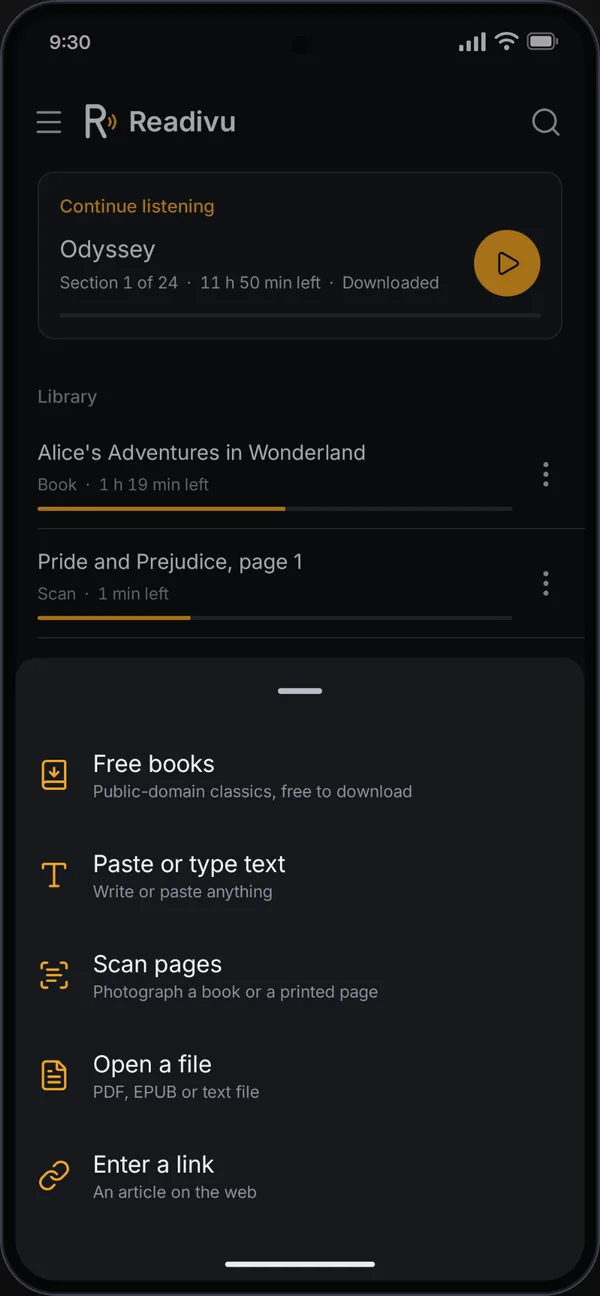
From paper to listening
- Tap Add, then Scan pages. The camera finds the page edges for you.
- Add as many pages as you need; they are kept in order as one document.
- Press play, or save it as an audio file to keep.
What reads well
| Printed books and letters | Read well, including pages set in two columns. |
|---|---|
| Running heads | The book title and page number at the top of each page are left out. |
| Your photos | The pictures never leave your phone. |
| Handwriting | Not supported; Readivu is made for print. |
Who uses it
People whose eyes tire after a page or two, readers with dyslexia, students with photocopied handouts, anyone with a pile of paper and no time to sit with it. If the document already exists as a file, open the PDF instead; it is faster and exact.